How to Clear Browser Cache and Cookies When Websites Stop Working Properly?

  Introduction A website that worked perfectly yesterday can suddenly start showing a blank page, loading forever, displaying an old version of the page, or refusing to let you sign in. Before blaming the website or your internet connection, there is one simple thing worth checking: your browser’s stored data. Web browsers save temporary files … Read more

How to Troubleshoot Wi-Fi Problems When Your Internet Keeps Disconnecting?

  Introduction If your Windows PC connects to Wi-Fi normally but keeps dropping the connection every few minutes, the problem can be surprisingly difficult to pin down. Sometimes the router is responsible. Other times, the PC’s Wi-Fi adapter, driver, network settings, signal strength, or even another device on the network is the real cause. The … Read more

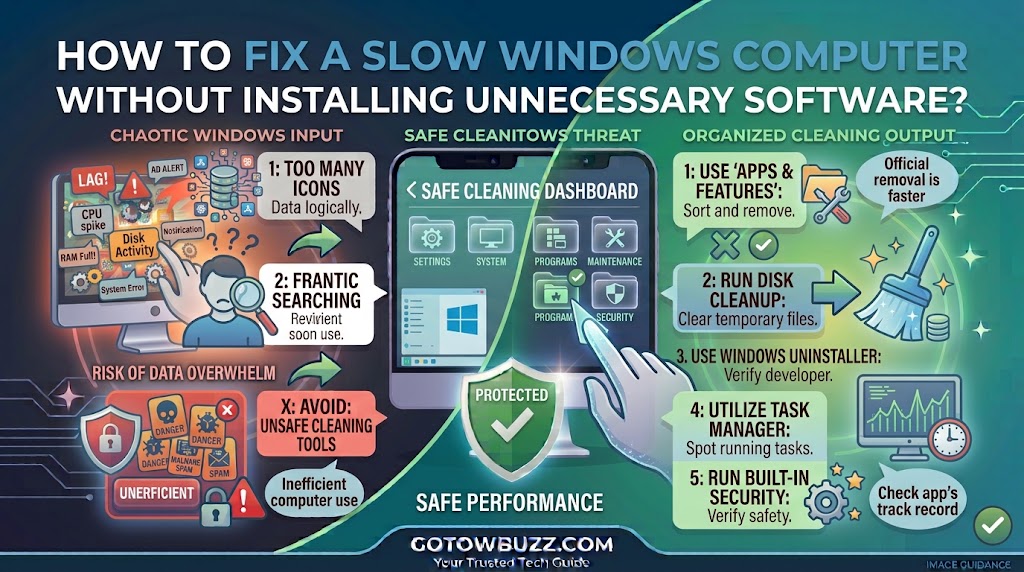
How to Fix a Slow Windows Computer Without Installing Unnecessary Software?

  Introduction If your Windows computer takes a long time to start, freezes when you open several programs, or takes noticeably longer to open files, don’t install a “PC optimizer” just yet. Windows already includes several tools that can help you find out what’s slowing the computer down. Task Manager can show which programs are … Read more

How to Remove Unwanted Software From a Windows Computer Safely?

  Introduction If your Windows computer has programs you don’t recognize, unwanted toolbars, annoying pop-ups, or software you no longer use, don’t start deleting random folders. Removing unwanted software safely is a little different from simply deleting a program’s folder. Windows applications can leave behind settings, services, startup entries, or other components, and some unwanted … Read more

How to Troubleshoot an App That Is Not Sending Notifications?

  Introduction An app that stops sending notifications can be surprisingly frustrating. You may open the app and discover new messages, emails, comments, or alerts that should have appeared on your phone hours ago. The problem isn’t always the app itself. Android can prevent notifications at several different levels. The app’s notification permission may be … Read more

How to Keep Your Apps Updated Without Using Too Much Mobile Data?

  Introduction If your mobile data disappears faster than expected, automatic app updates may be one of the things worth checking. You might have a limited monthly data package and notice that several hundred megabytes—or sometimes much more—have been used even though you haven’t downloaded any large files yourself. App updates can contribute to that … Read more