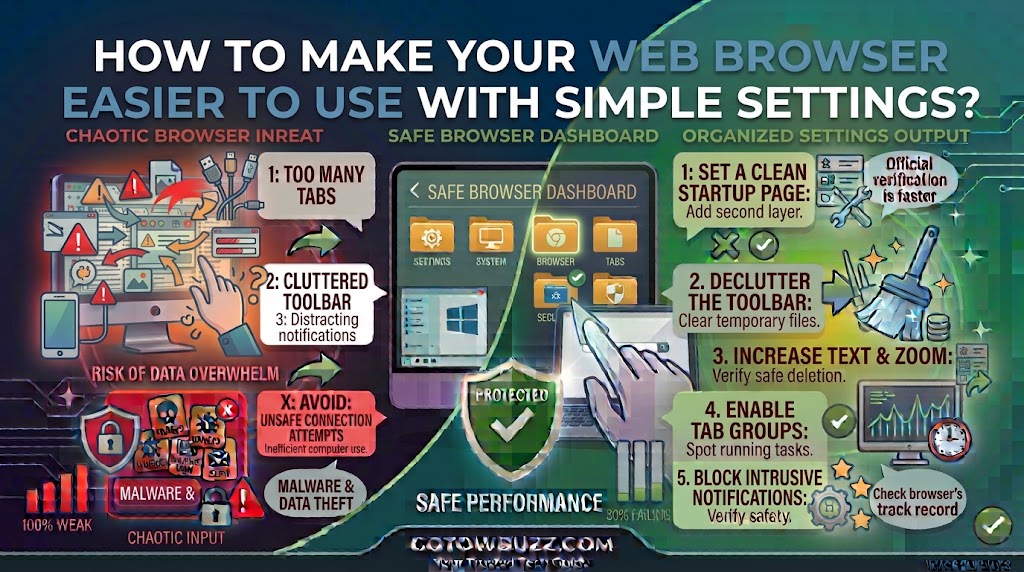
How to Make Your Web Browser Easier to Use With Simple Settings?

  Introduction If your web browser feels uncomfortable to use, you probably don’t need a different browser. A few small settings can make websites easier to read, reduce distractions, prevent unwanted notifications, and make common tasks less frustrating. You can enlarge small text, change the default zoom, use a cleaner reading view, control what websites … Read more

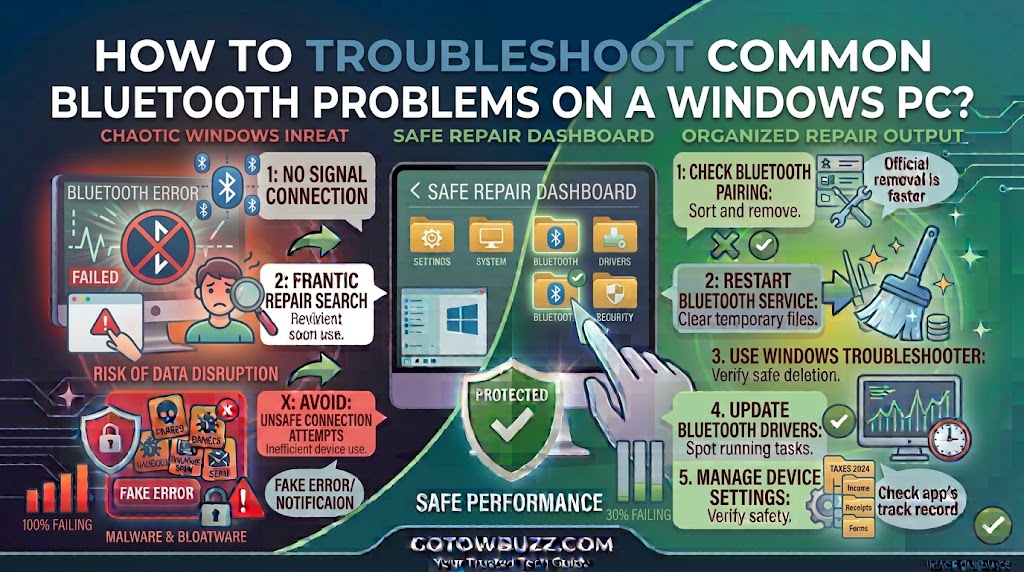
How to Troubleshoot Common Bluetooth Problems on a Windows PC?

  Introduction Bluetooth is supposed to make connecting headphones, keyboards, mice, speakers, phones, and other devices simple. Yet sometimes a device refuses to pair, connects and immediately disconnects, appears in Windows but produces no sound, or suddenly disappears from the Bluetooth settings altogether. These problems don’t always mean the Bluetooth device is broken. A low … Read more

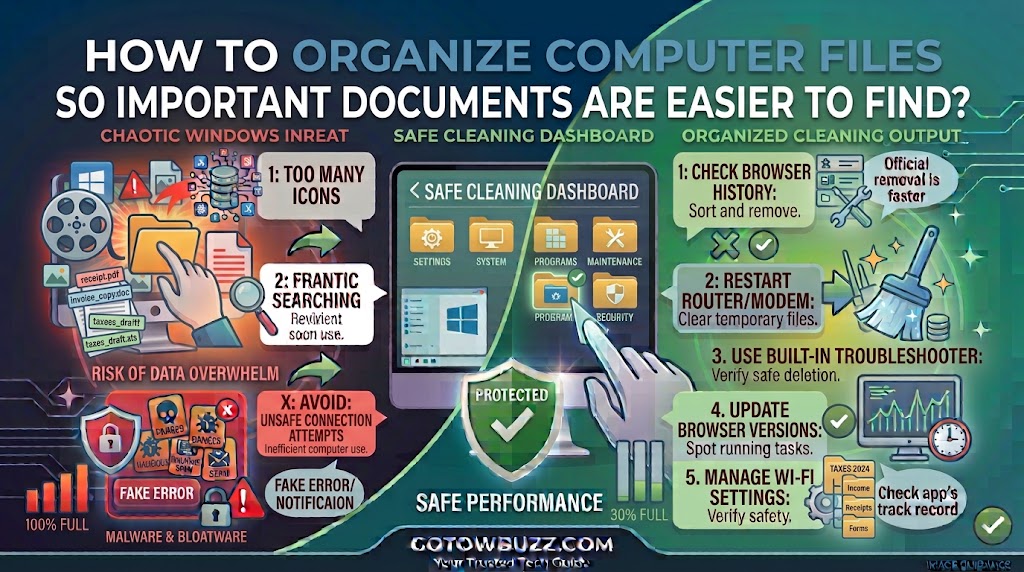
How to Organize Computer Files So Important Documents Are Easier to Find

Introduction If you regularly search your computer for a document and end up opening five folders before finding the right file, the problem probably isn’t your computer’s search function. Your files may simply need a better system. A few minutes spent organizing files can save much more time later. Instead of remembering exactly where you … Read more

How to Clear Browser Cache and Cookies When Websites Stop Working Properly?

  Introduction A website that worked perfectly yesterday can suddenly start showing a blank page, loading forever, displaying an old version of the page, or refusing to let you sign in. Before blaming the website or your internet connection, there is one simple thing worth checking: your browser’s stored data. Web browsers save temporary files … Read more

How to Troubleshoot Wi-Fi Problems When Your Internet Keeps Disconnecting?

  Introduction If your Windows PC connects to Wi-Fi normally but keeps dropping the connection every few minutes, the problem can be surprisingly difficult to pin down. Sometimes the router is responsible. Other times, the PC’s Wi-Fi adapter, driver, network settings, signal strength, or even another device on the network is the real cause. The … Read more

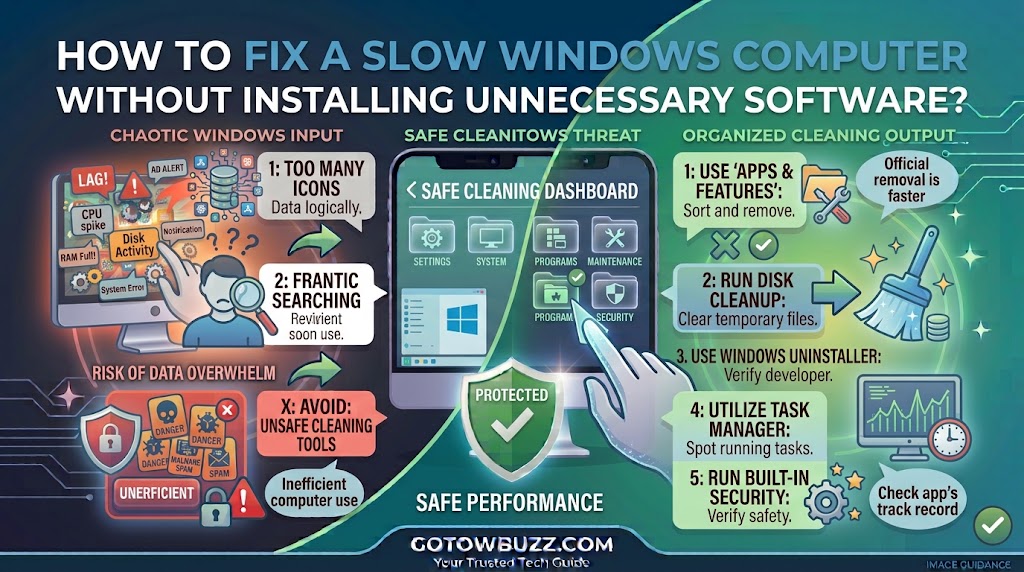
How to Fix a Slow Windows Computer Without Installing Unnecessary Software?

  Introduction If your Windows computer takes a long time to start, freezes when you open several programs, or takes noticeably longer to open files, don’t install a “PC optimizer” just yet. Windows already includes several tools that can help you find out what’s slowing the computer down. Task Manager can show which programs are … Read more