How to Make Your Web Browser Easier to Use With Simple Settings?
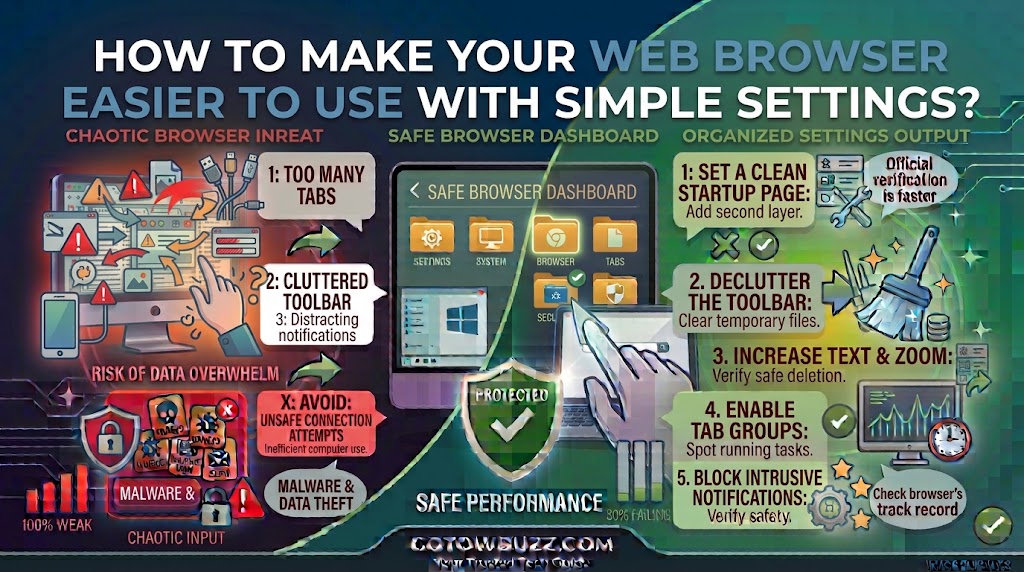
  Introduction If your web browser feels uncomfortable to use, you probably don’t need a different browser. A few small settings can make websites easier to read, reduce distractions, prevent unwanted notifications, and make common tasks less frustrating. You can enlarge small text, change the default zoom, use a cleaner reading view, control what websites … Read more
How to Transfer Files Between a Phone and Computer Without Complicated Setup?

  Introduction Moving a few photos from your phone to your computer shouldn’t feel like a technical project. For many people, the problem starts when they connect a phone with a USB cable and nothing appears. Others try Bluetooth, cloud storage, messaging apps, or third-party transfer programs when a much simpler option would have worked. … Read more

How to Review App Permissions and Remove Access You No Longer Need?

  Introduction An app may have asked for access to your camera, microphone, contacts, location, photos, or files when you first installed it. You might have allowed everything simply to get through the setup screen. Months later, that permission may still be active even though you rarely use the app. This is why reviewing app … Read more

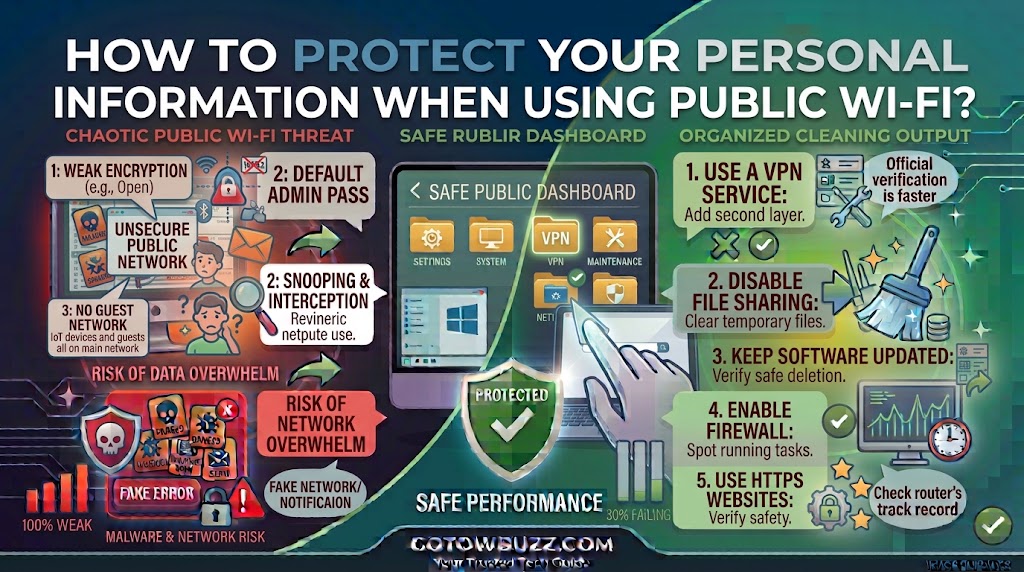
How to Protect Your Personal Information When Using Public Wi-Fi?

  Introduction Public Wi-Fi is convenient, but connecting to the internet at a café, hotel, airport, library, shopping center, or other public place deserves a little extra caution. The biggest mistake is assuming that a network is safe simply because it has a familiar name. A Wi-Fi network called “Airport Free WiFi” or “CoffeeShop Guest” … Read more

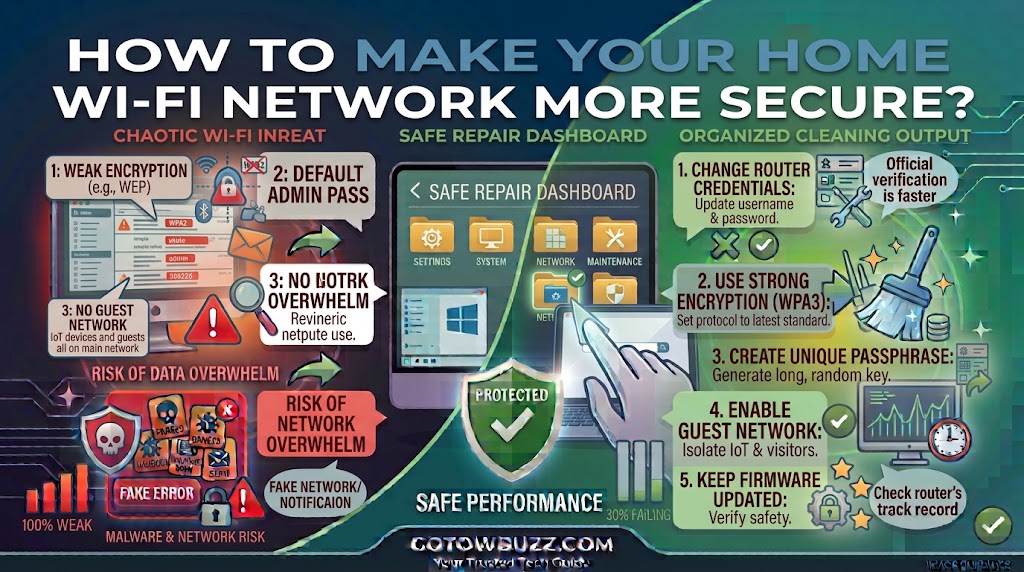
How to Make Your Home Wi-Fi Network More Secure?

  Introduction Your home Wi-Fi network connects much more than your phone and laptop. A typical router may also connect smart TVs, printers, cameras, game consoles, tablets, speakers, thermostats, and other devices. That makes the router an important part of your home’s digital security. If someone gains unauthorized access to your Wi-Fi network, they may … Read more

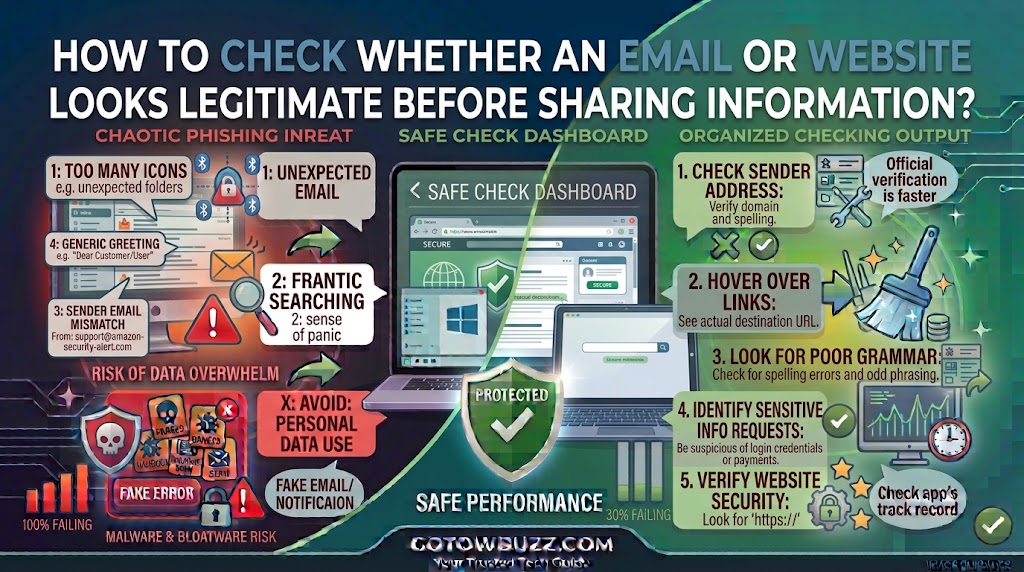
How to Check Whether an Email or Website Looks Legitimate Before Sharing Information?

  Introduction A professional-looking email or website isn’t necessarily trustworthy. Scammers can copy familiar logos, use realistic layouts, create convincing messages, and even build websites that look almost identical to legitimate services. If you enter your password, card details, verification code, or other personal information on the wrong page, you could hand sensitive information directly … Read more