
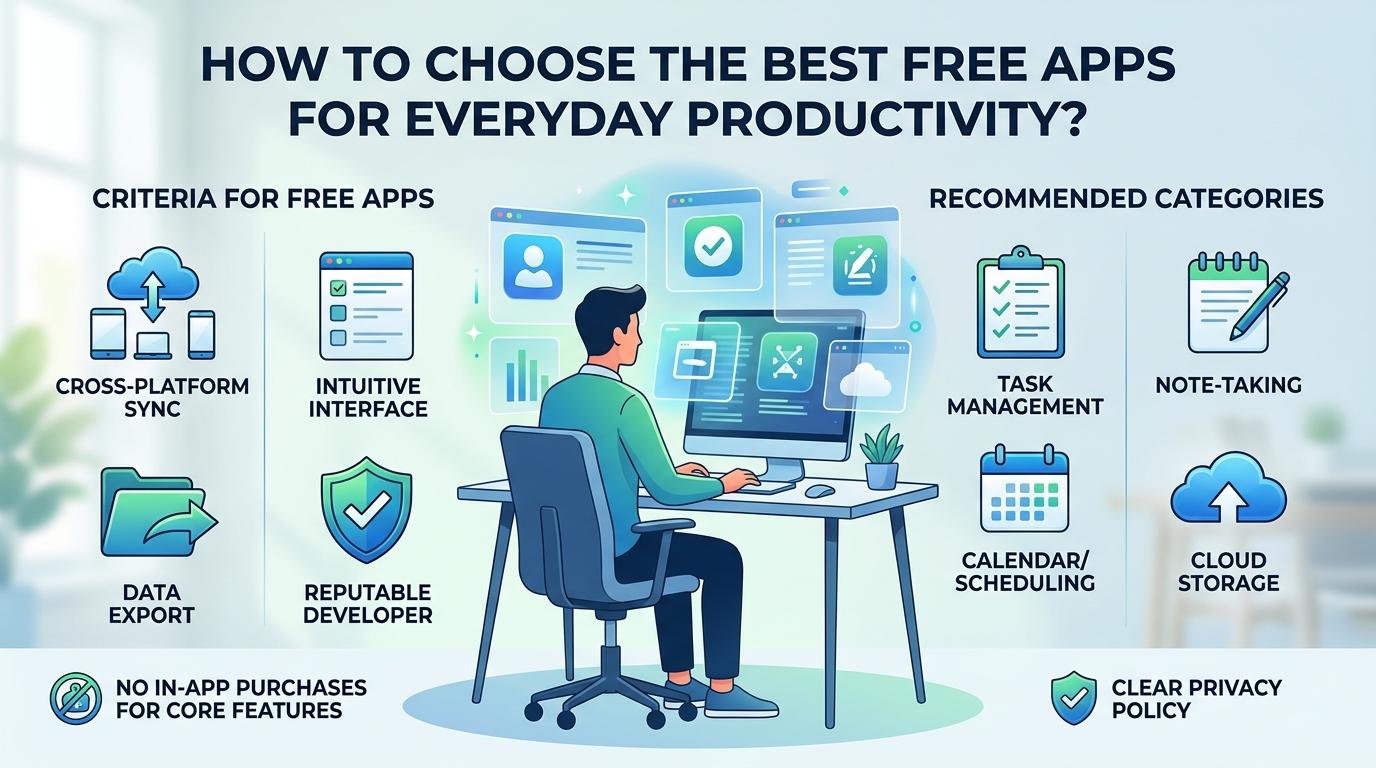
Finding the right software to manage your daily tasks, notes, and schedules does not require paying expensive monthly subscriptions. Dozens of high-quality, free productivity applications offer feature-rich tools for personal organization, work, and study. However, with so many options available, choosing apps that genuinely improve your workflow—rather than adding unnecessary complexity—can be a challenge.
To build a reliable digital workspace without spending money or compromising your efficiency, follow these practical strategies when selecting free productivity software.
1. Look for Cross-Platform Syncing and Accessibility
A practical productivity tool must be available whenever and wherever you need to capture ideas or manage tasks. Before committing to an app, evaluate how easily it connects across your primary devices.
Multi-Device Cloud Syncing:
Ensure the app syncs automatically between desktop and mobile platforms (such as Windows, macOS, Android, and iOS). This allows you to quickly note a task on your phone while on the move and review it on your computer later without manual file transfers.
Web-Based Access:
A functional web app guarantees you can access your schedule and documents from shared devices or secondary computers without installing additional software.
2. Prioritize Simple, Focused Interfaces Over Complex Features
It is easy to get caught up in feature-rich applications that offer endless customization, but overly complicated setups often turn into distraction tools rather than productivity boosters.
Avoid Over-Engineering:
Choose software with a clean, intuitive user interface. You should be able to write notes, create project lists, or set reminders immediately without spending hours learning complex workflows.
Evaluate Free Tier Functionality:
Verify that the free version provides core essentials—such as basic task organization, search capabilities, and tag management—without imposing aggressive feature limits or constant upgrade pop-ups.
3. Ensure Clear Export Options and True Data Ownership
Your personal notes, project schedules, and daily journals represent essential personal data. Always choose applications that give you complete ownership and control over the information you create.
Universal File Formats:
Look for tools that let you export your data in widely accepted formats, such as Markdown, Plain Text, PDF, or CSV. This ensures you can move your files to another program in the future without losing your work.
Offline Functionality:
Confirm whether the app permits local editing without an active internet connection. Offline availability guarantees that temporary internet outages won’t block access to your important schedules.
4. Watch Out for Hidden Costs and Security Risks
Free software usually comes with tradeoffs. Understanding how a developer supports their free product helps you protect your privacy and security.
Review Privacy Policies:
Avoid free apps that monetize by tracking your usage habits or collecting personal details to sell to third-party advertisers.
Stick to Reputable Developers:
Download applications directly from official developer websites or verified device storefronts (such as the Google Play Store, Apple App Store, or Microsoft Store) to reduce the risk of downloading modified or malicious software.
Final Thoughts on Building Your Toolset
The most effective productivity system is the one you actually use consistently. Instead of installing multiple apps for minor tasks, focus on selecting two or three well-rounded tools that cover your primary needs for task tracking, note-taking, and scheduling.