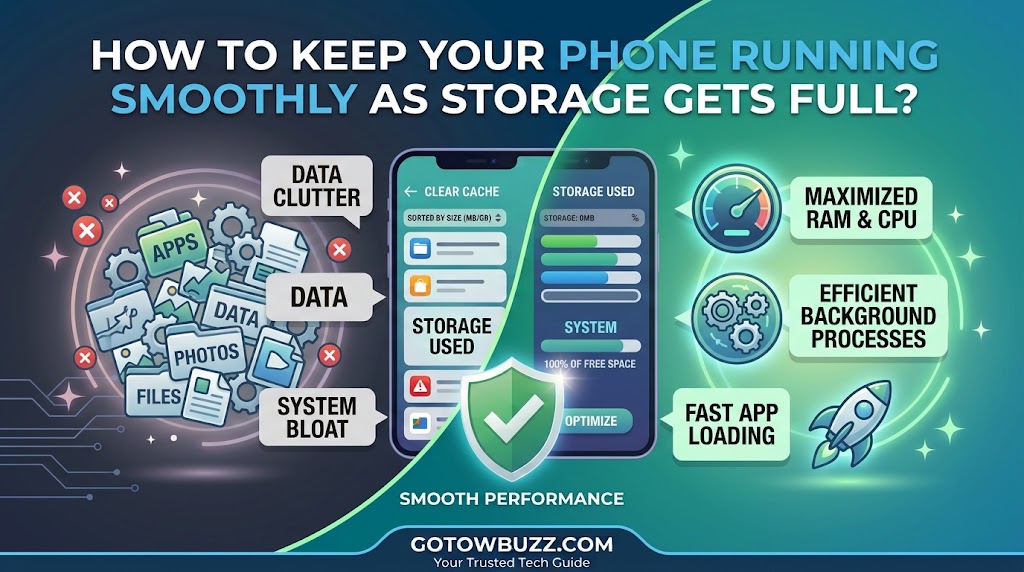
How to Keep Your Phone Running Smoothly as Storage Gets Full?

  Introduction If your Android phone has started taking longer to open apps, freezing occasionally, or complaining that there isn’t enough storage, don’t ignore the warning. A phone doesn’t need to be completely full before storage starts becoming a problem. Google says Android devices can begin experiencing issues when less than 10% of storage remains … Read more

How to Stop Unwanted Notifications From Taking Over Your Phone?

Introduction If your phone seems to buzz, light up, or show another pop-up every few minutes, you don’t have to put up with it. The problem is usually not that Android has too many notifications. It’s that too many apps are allowed to interrupt you, including apps that send promotional messages, recommendations, reminders, background updates, … Read more

How to Transfer Photos From Your Phone to a Computer Without Losing Quality?

Smartphones now take incredible high-resolution photos and 4K videos, but moving those memories to your computer isn’t always as simple as sending them over an app. If you have ever emailed photos to yourself, sent them over WhatsApp, or downloaded them from social media, you might have noticed the files looked grainy, lost their sharpness, … Read more

How to Improve Phone Battery Life Without Turning Off Useful Features?

It’s easy to find battery-saving advice that tells you to turn off Bluetooth, disable Location Services, lower screen brightness until the display is barely readable, and turn off push notifications. While those drastic steps will keep your phone alive longer, they also turn a modern smartphone into a basic feature phone. You shouldn’t have to … Read more

How to Free Up Storage Space on Your Android Phone Without Deleting Important Files?

Getting a “Storage Almost Full” notification is frustrating, especially when your phone starts lagging, camera apps refuse to record video, or app updates suddenly stop downloading. Your immediate thought might be that you have to start deleting favorite photos, home videos, or important work documents to make room. The good news is that you don’t … Read more