How to Choose the Best Free Apps for Everyday Productivity?
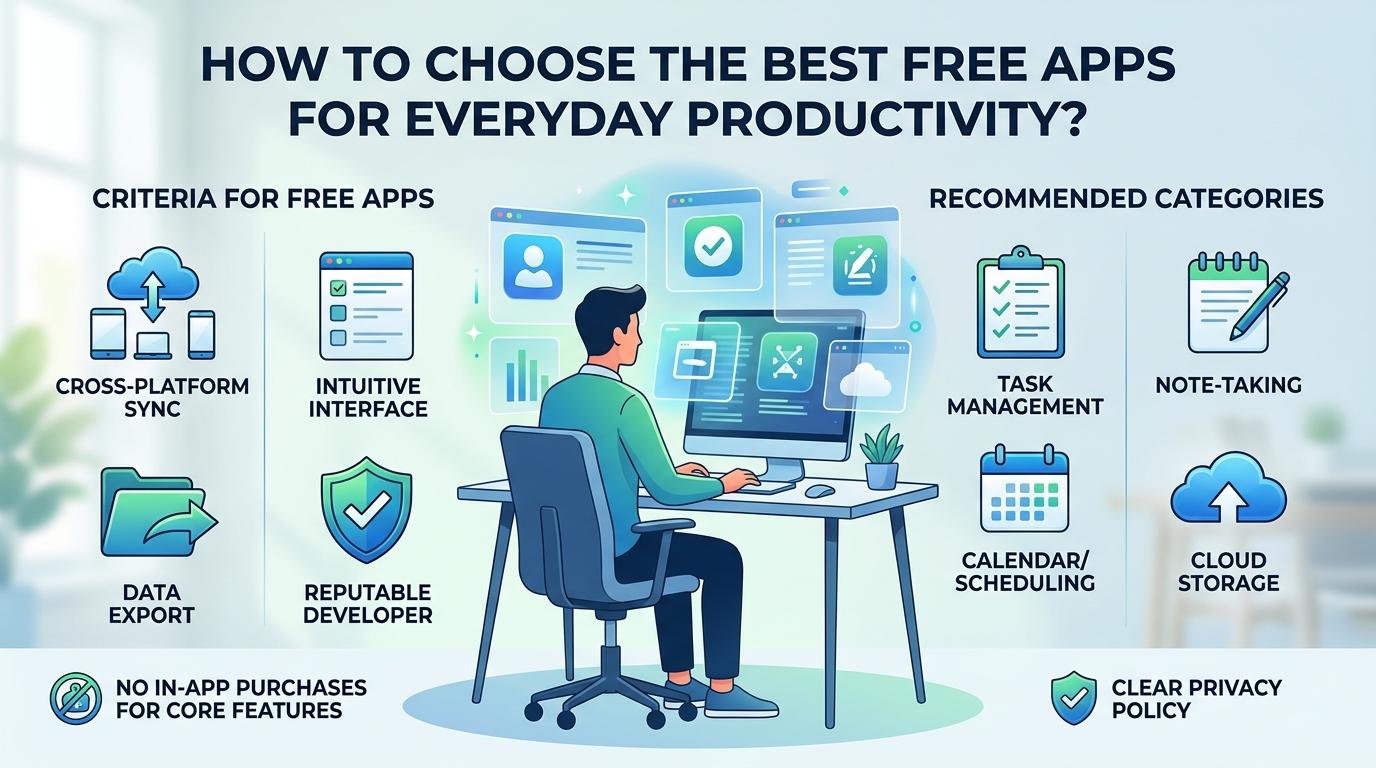
Finding the right software to manage your daily tasks, notes, and schedules does not require paying expensive monthly subscriptions. Dozens of high-quality, free productivity applications offer feature-rich tools for personal organization, work, and study. However, with so many options available, choosing apps that genuinely improve your workflow—rather than adding unnecessary complexity—can be a challenge. To … Read more
How to Set Up a Simple Digital Organization System for Photos, Files, and Documents?

Introduction If your computer has files scattered across Downloads, Desktop, Documents, and random folders, finding one important file can become surprisingly frustrating. The same thing happens with phone photos. A camera roll containing thousands of pictures may technically store everything, but that doesn’t mean you can quickly find what you need. You don’t need a … Read more

How to Troubleshoot Common Problems Before Taking Your Device to a Repair Shop?

  Introduction When a phone, tablet, or computer suddenly stops working properly, the first thought is often, “I need to take it to a repair shop.” Sometimes that’s exactly the right decision. But not every problem requires a repair. A device that won’t connect to Wi-Fi might only need a network restart. An app that … Read more

How to Reduce Unnecessary Data Usage on Your Phone and Computer?

  Introduction If your mobile data disappears faster than expected, the problem may not be one huge download. Small background activities can add up. Apps can refresh content, cloud services can synchronize files, videos can automatically play at high quality, and a computer connected through a phone hotspot can download updates or other large files … Read more

How to Make Your Web Browser Easier to Use With Simple Settings?

  Introduction If your web browser feels uncomfortable to use, you probably don’t need a different browser. A few small settings can make websites easier to read, reduce distractions, prevent unwanted notifications, and make common tasks less frustrating. You can enlarge small text, change the default zoom, use a cleaner reading view, control what websites … Read more

How to Transfer Files Between a Phone and Computer Without Complicated Setup?

  Introduction Moving a few photos from your phone to your computer shouldn’t feel like a technical project. For many people, the problem starts when they connect a phone with a USB cable and nothing appears. Others try Bluetooth, cloud storage, messaging apps, or third-party transfer programs when a much simpler option would have worked. … Read more